Sequences
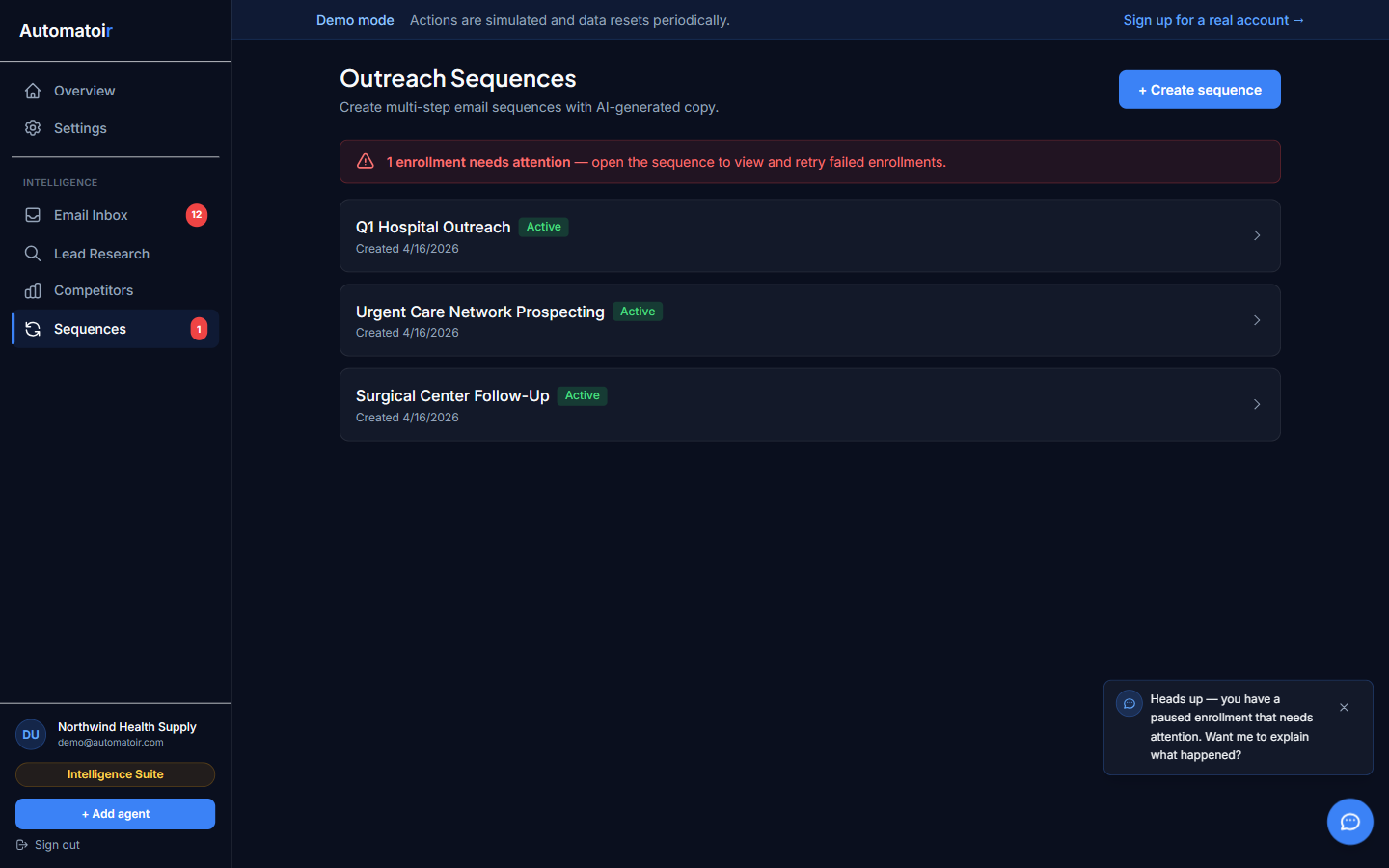
Sequences are multi-step email sequences that Automatoir sends on your behalf. You define the steps, delays, and tone — the AI generates the content, and Automatoir handles delivery, tracking, and automatic unenrollment when a prospect replies.
What Sequences Do
A sequence automates outbound email outreach over multiple touches. Instead of manually writing and scheduling follow-ups, you define a sequence once and enroll prospects into it. Automatoir then:
- Sends each step on the schedule you define
- Maintains thread continuity so follow-ups appear in the same email thread
- Tracks opens, replies, and engagement at each step
- Automatically stops sending if the prospect replies
Review Mode vs Auto-Send
Every sequence can operate in one of two modes:
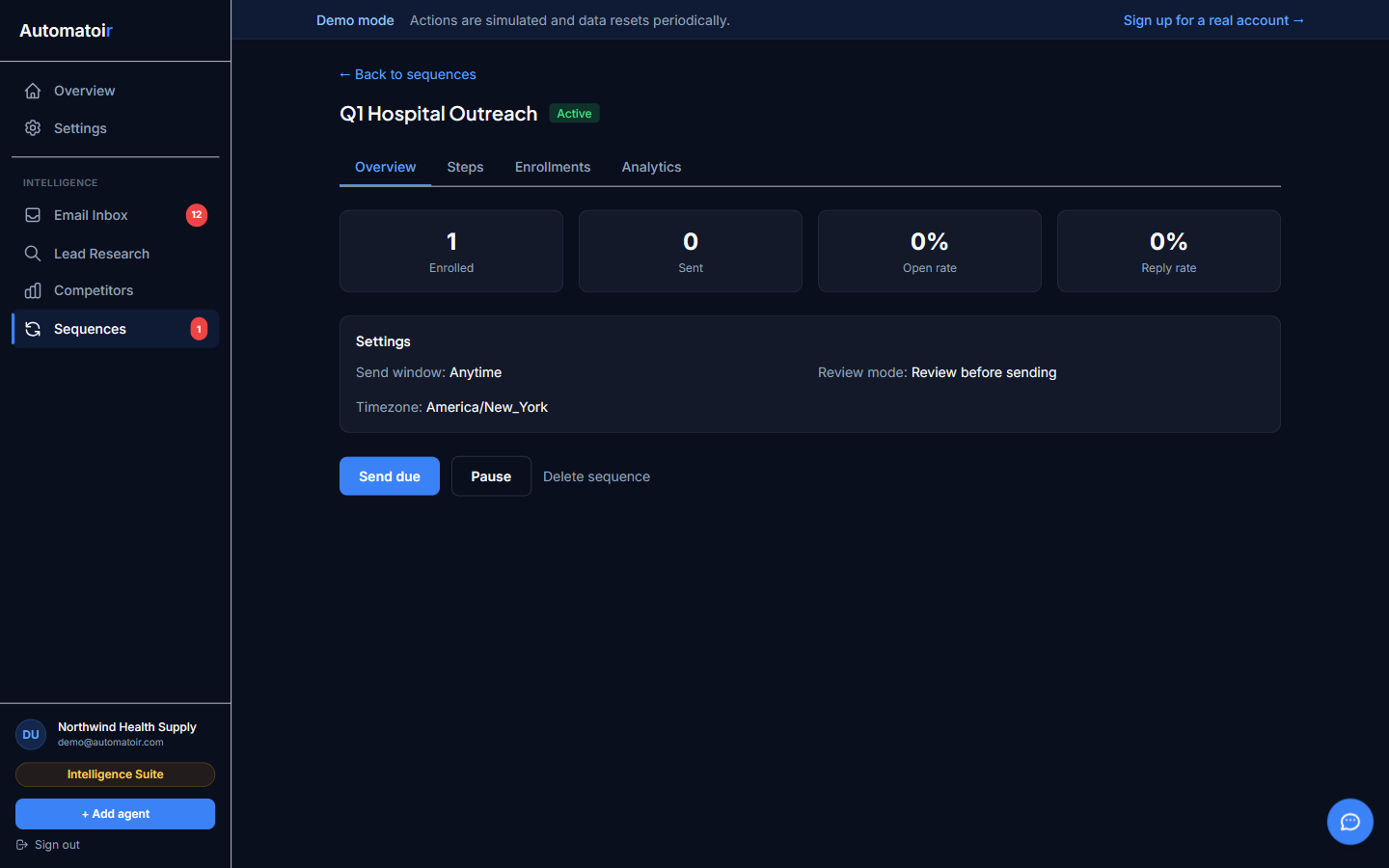
- Review mode — Each email is generated as a draft and surfaces in your Email Inbox for approval. You can send it as-is, edit the draft, or skip the step entirely. This is the default for new sequences.
- Auto-send — Emails are sent automatically when their scheduled time arrives. No manual approval is needed. Best for high-volume sequences where you trust the AI-generated content.
Key Concepts
- Enrollment — A prospect is enrolled in a sequence when you add them to it. Each enrollment tracks which step the prospect is on and their current status (active, replied, completed, or unenrolled).
- Steps — Individual emails in the sequence. Each step has a subject line (or inherits the thread subject), body content, and a delay before it sends.
- Delays — The wait time between steps, defined in days. For example, a three-step sequence might use delays of 0, 3, and 7 days — meaning the first email sends immediately, the second three days later, and the third seven days after that.
- Thread continuity — Follow-up steps are sent as replies to the original email thread. The prospect sees one continuous conversation, not separate unrelated emails.
- Auto-unenroll on reply — When Automatoir detects that a prospect has replied to any email in the sequence, it automatically unenrolls them. No further steps are sent, preventing the awkward situation of sending a follow-up after someone has already responded.
Guides
- Creating a Sequence — Build a new sequence from scratch or generate one with AI.
- Review Mode — How pending emails surface in your inbox and the actions you can take.
- Analytics — Track sent, opened, replied, and unenrolled metrics across your sequences.
- Auto-Unenroll — How reply detection works and what happens to remaining steps.
- Enroll in Sequence — How to enroll a prospect from the Lead Research module.