Lead Research
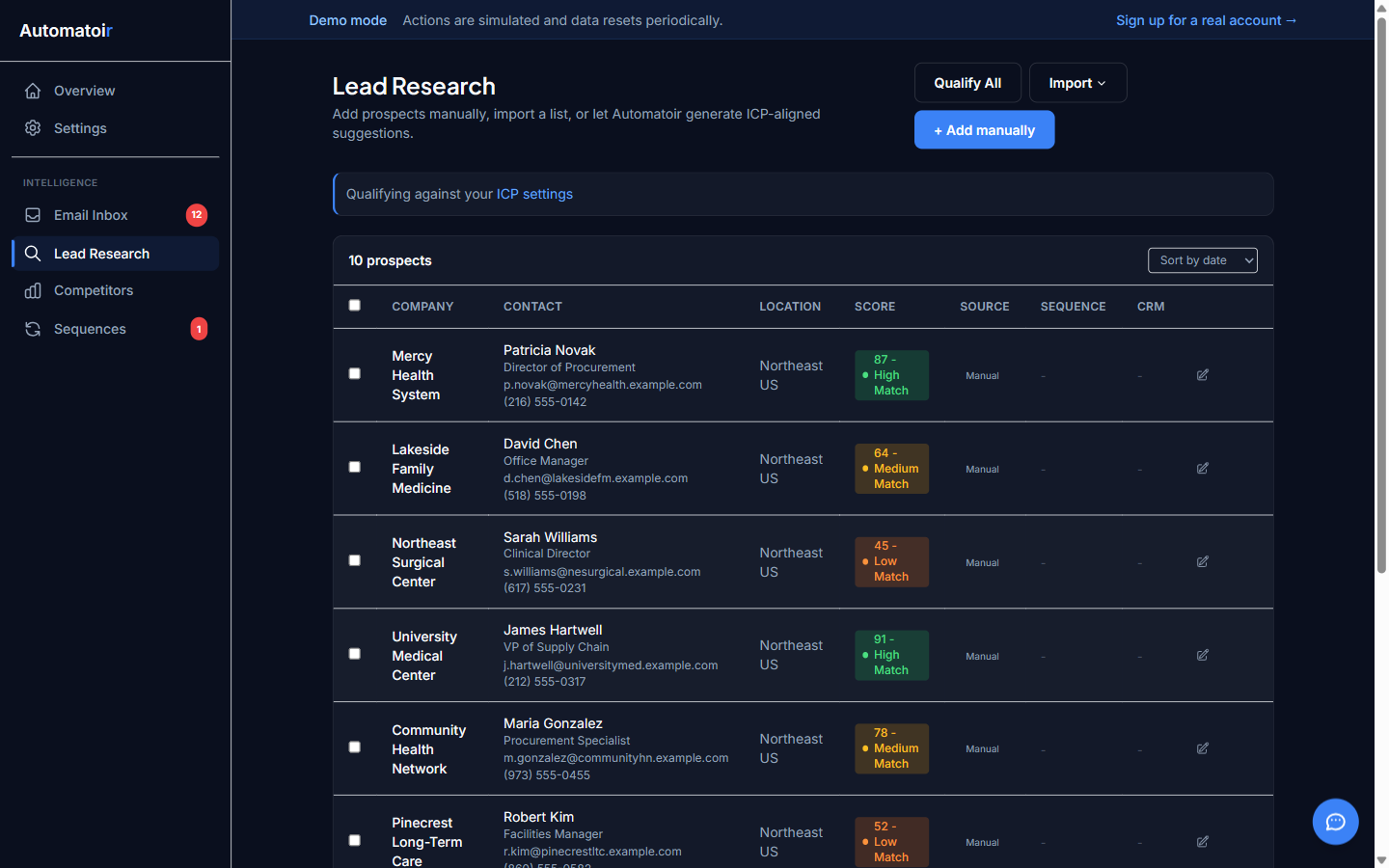
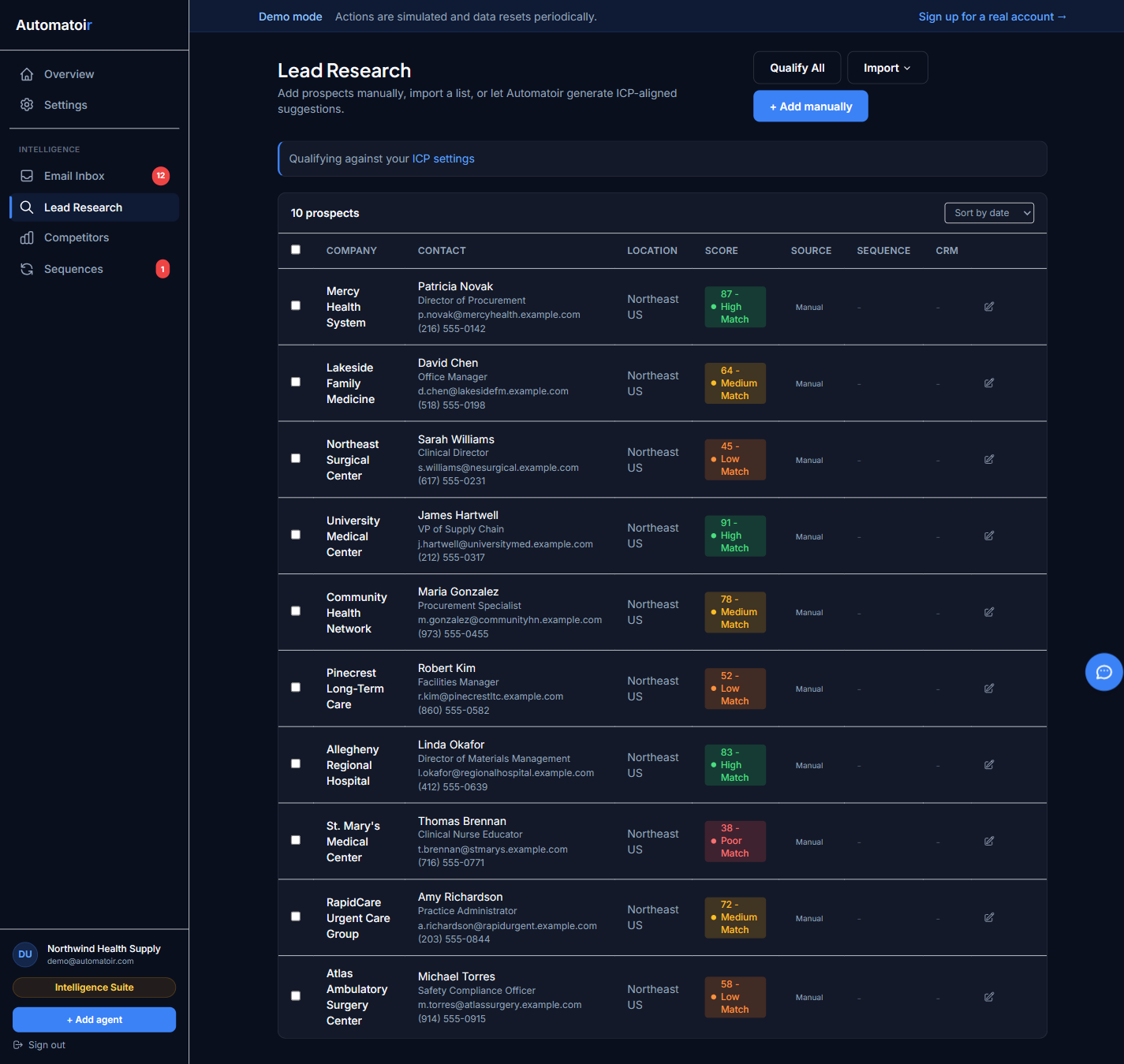
Lead Research is Automatoir's prospect intelligence engine. It helps you build a pipeline of qualified prospects by combining manual prospecting with AI-powered qualification, so you spend time only on the prospects most likely to convert.
What It Does
- Centralizes prospects — Keep every potential prospect in one place with company, title, email, and notes.
- AI qualification— Automatoir qualifies each prospect against your Ideal Customer Profile (ICP) and explains why they're a good or poor fit.
- Sequence enrollment — Move qualified prospects directly into multi-step email sequences without leaving the page.
How it works
The typical Lead Research process follows three steps:
- Add prospects — Enter prospects manually or import them. Each prospect needs at minimum a name and email address.
- Qualify with AI — Run AI qualification on one prospect or in bulk. Automatoir gives each prospect a score from 0 to 100 and assigns a High, Medium, or Low label.
- Enroll in sequences — Pick a qualified prospect and enroll them in an outreach sequence. Automatoir handles step timing and follow-ups automatically.
Detailed Guides
- Adding Prospects — How to create prospects manually, which fields are required, and how to edit existing records.
- AI Qualification — How Automatoir qualifies prospects against your ICP, what the score ranges mean, and how to run bulk qualification.
- Email Enrichment — How Automatoir finds prospect emails using Enrich.so v3, and what we do not integrate with.
- Enroll in Sequence — How to move a qualified prospect into an outreach sequence and manage enrollments.
Related Guides
- Settings — Define your ICP so AI qualification has the context it needs.
- Sequences — Build the multi-step outreach sequences that prospects get enrolled into.
- Email Inbox — See replies from enrolled prospects and continue conversations.