Review Mode
Review mode is Automatoir's human-in-the-loop safety net. When a sequence operates in review mode, every outgoing email is generated as a draft and held for your approval before it reaches the prospect's inbox.
What You'll Learn
- What review mode is and when it applies
- How pending emails appear in your Email Inbox
- The three actions you can take: send now, skip step, and edit draft
- When to use review mode vs auto-send
What Is Review Mode?
Review mode is a per-sequence setting that controls whether emails require manual approval. When enabled, Automatoir generates the email content on schedule but does not send it. Instead, the draft is held as a pending review item until you take action.
Review mode is the default for all new sequences. You can switch to auto-send at any time from the sequence settings.
How Pending Emails Surface
Pending review emails appear in your Email Inboxwith a distinct review banner. The banner shows which sequence and step generated the draft, along with the prospect's name and email address.
You can filter your inbox to show only pending review items, making it easy to batch through approvals without losing track of regular emails.
Actions You Can Take
Each pending review email gives you three options:
- Send now — Approve the draft as-is and send it immediately. The enrollment advances to the next step and the delay timer begins.
- Skip step — Discard this step for this prospect without sending anything. The enrollment advances to the next step as if the email had been sent. This is useful when a step feels irrelevant for a particular prospect.
- Edit draft— Open the email in the compose editor to modify the subject, body, or tone. Once you're satisfied, send the edited version. The original AI draft is replaced with your edits.
When to Use Review Mode vs Auto-Send
Choose the mode that matches your confidence level and volume:
- Use review modewhen you're testing a new sequence, reaching out to high-value prospects, or want to maintain a personal touch on every email.
- Use auto-sendwhen you've validated the sequence with a few manual reviews and you trust the AI-generated content for the remaining enrollments. Auto-send is ideal for high-volume, top-of-funnel outreach.
You can switch between modes at any time without affecting existing enrollments. Prospects already in the sequence will follow whichever mode is active when their next step is due.
Related Guides
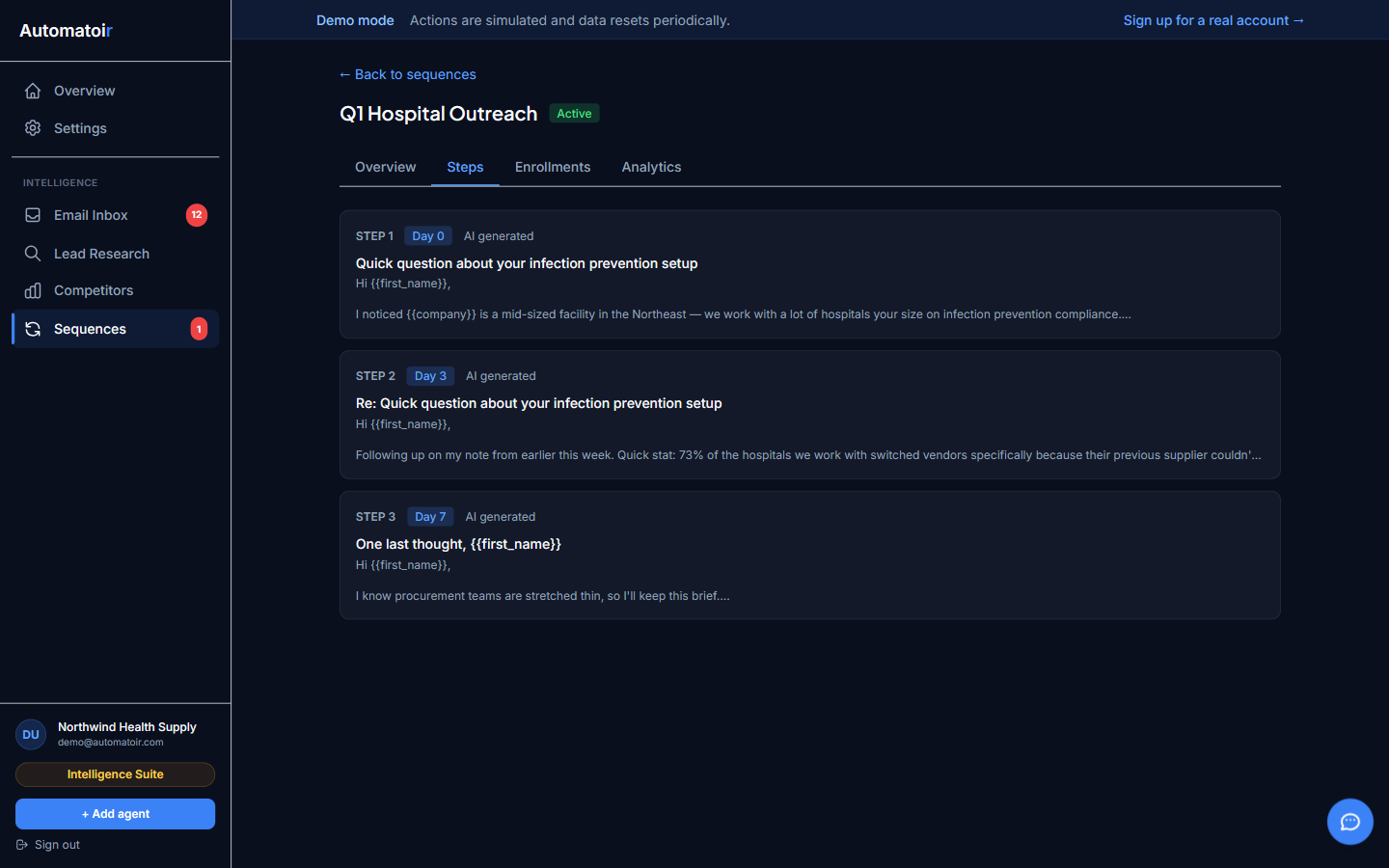
- Creating a Sequence — Build a new sequence and configure review mode or auto-send.
- Email Inbox — Overview of how the inbox works, including classification and drafts.
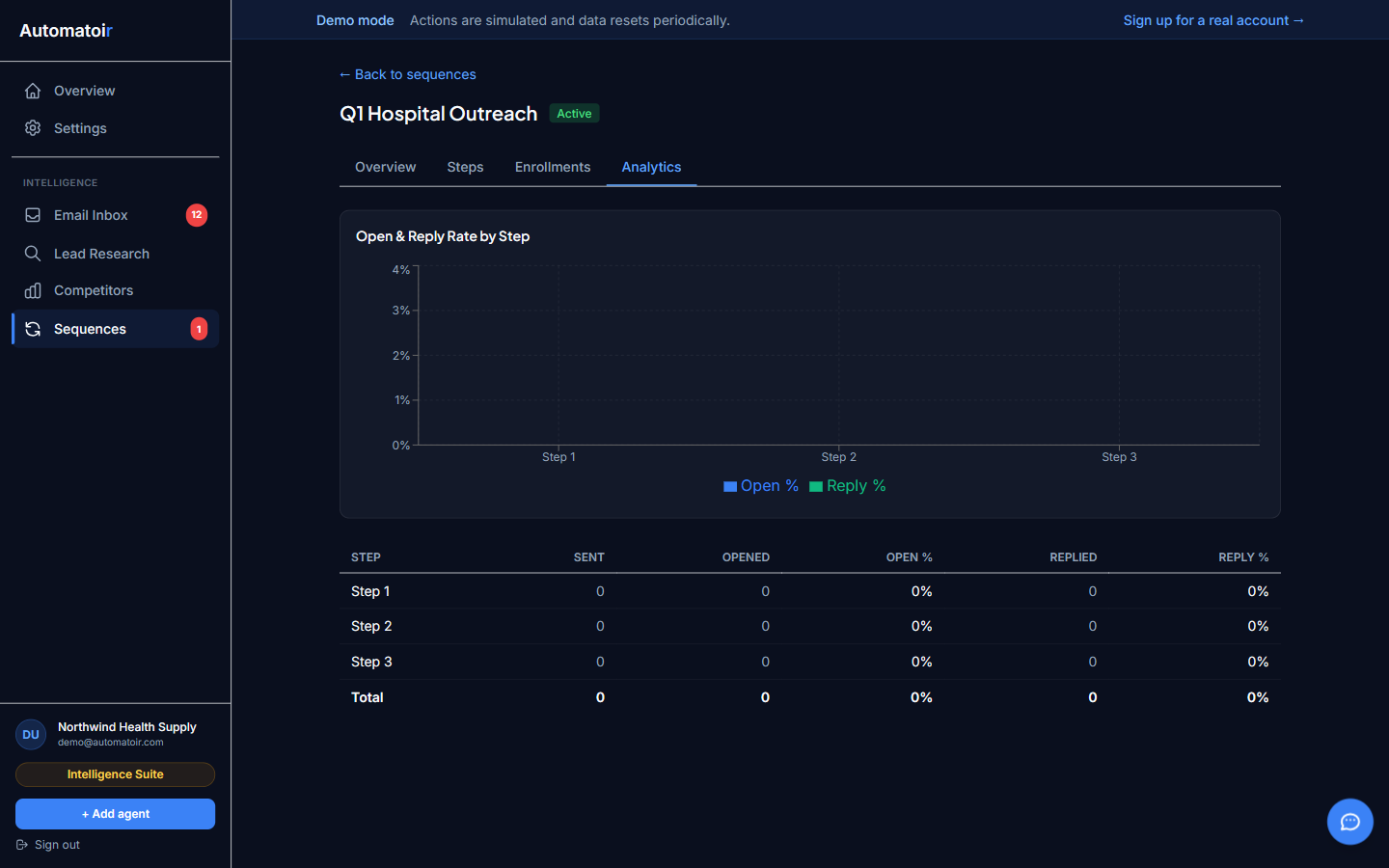
- Analytics — See how review mode affects your send timing and sequence performance.