Email Classification
Every email that arrives in your Automatoir inbox is automatically classified by our AI. Classification determines how the message is prioritized, whether auto-response rules fire, and how the inbox is sorted.
What You'll Learn
- The five classification categories and what each one means
- How Automatoir uses your ICP and knowledge base to classify messages
- How the priority inbox surfaces leads first
- How to correct a misclassification
Classification Categories
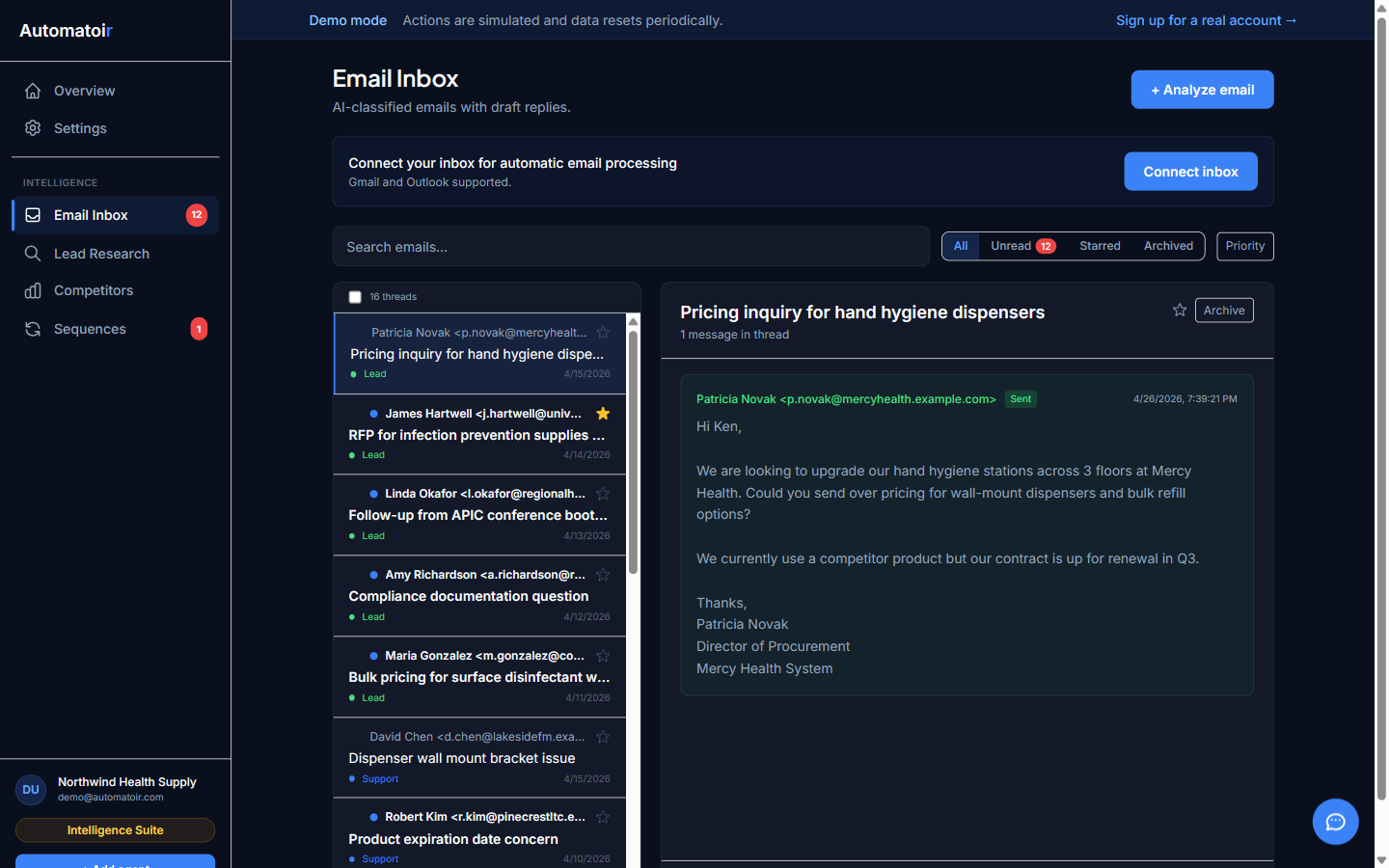
Every inbound email is assigned exactly one of these five categories:
Lead
The sender matches your Ideal Customer Profile or the message contains buying signals — pricing questions, demo requests, partnership inquiries, or references to pain points your product solves. Lead emails are surfaced at the top of your inbox.
Support
The sender is an existing customer or the message is about a product issue, bug report, feature request, or account question. Support emails appear below leads but above informational messages.
Spam
Unsolicited marketing, phishing attempts, mass newsletters you didn't subscribe to, and irrelevant cold outreach. Spam messages are deprioritized and can be auto-archived with a rule.
Invoice
Payment confirmations, invoices, receipts, subscription renewal notices, and billing-related correspondence. These are grouped separately so they don't clutter your sales pipeline.
Other
Anything that doesn't fit the above categories — internal emails, calendar notifications, automated alerts, and general correspondence.
How Classification Works
When a new email arrives, Automatoir analyzes the message content along with two pieces of context:
- Your ICP definition — the industry, company size, job titles, and pain points you configured in Settings → ICP. Automatoir uses this to decide whether the sender looks like a potential buyer.
- Your knowledge base — product descriptions, FAQs, and documentation you uploaded in Settings → Knowledge Base. This helps Automatoir distinguish support questions from sales inquiries because it understands what your product actually does.
Automatoir returns a category and a confidence score. High-confidence classifications are applied immediately. If confidence is low, the message is still classified but flagged for your review.
Priority Inbox
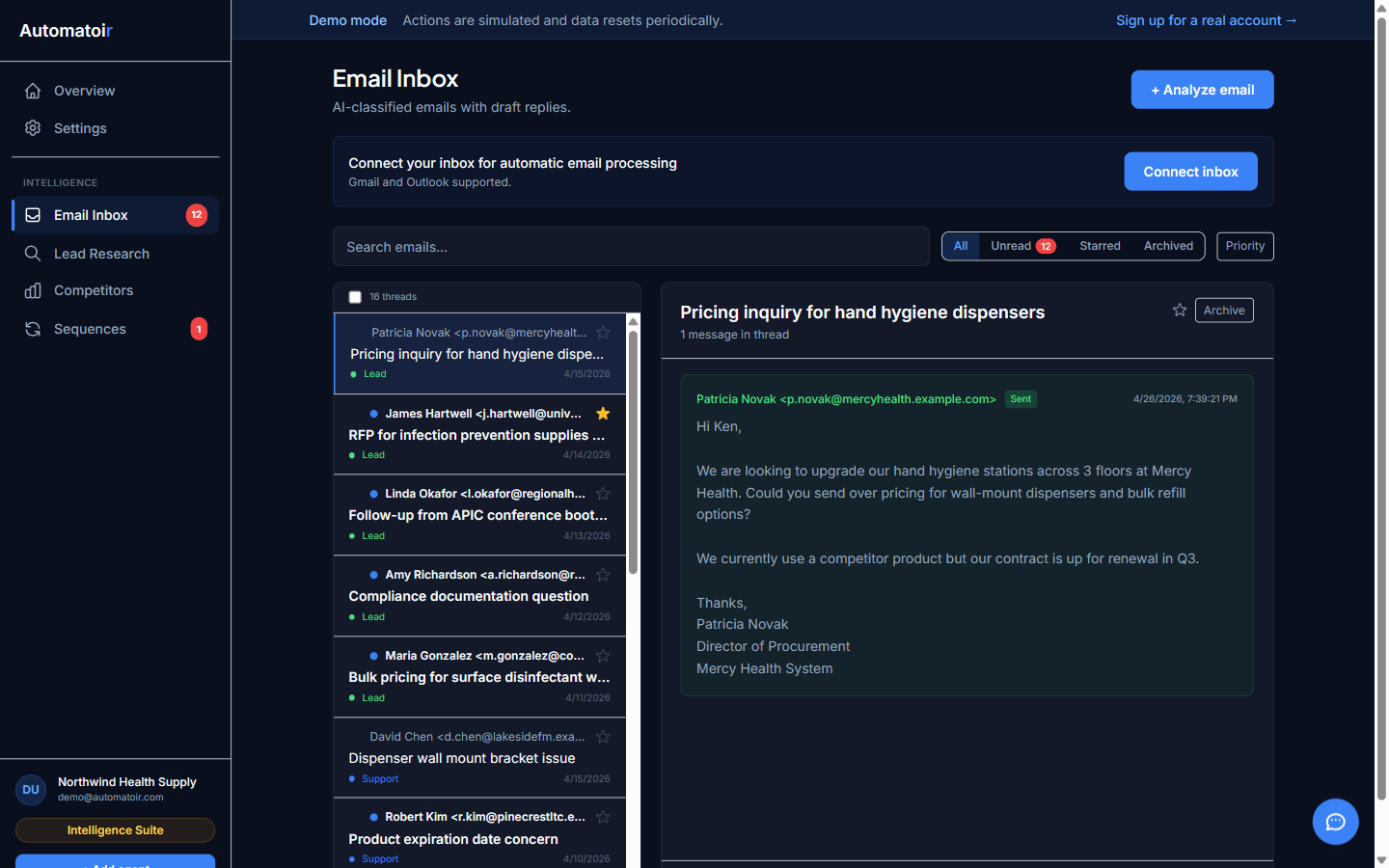
The default inbox view sorts messages by classification priority, not just recency. The order is:
- Lead — always at the top
- Support — existing customers deserve fast responses
- Invoice — billing items grouped together
- Other — general correspondence
- Spam — deprioritized at the bottom
You can switch back to a chronological view at any time using the sort toggle in the inbox toolbar.
Correcting a Misclassification
If Automatoir assigns the wrong category, you can correct it manually:
- Open the email in the inbox.
- Click the classification badge (e.g., "Lead" or "Spam").
- Select the correct category from the dropdown.
- The change is saved immediately and future emails from the same sender will factor in your correction.
Corrections help Automatoir learn your preferences over time. The more you correct, the more accurate classification becomes for your specific domain.
Related Guides
- Auto-Response Rules — trigger actions based on classification category
- Define Your ICP — improve lead detection accuracy
- Connect Gmail — required before classification can run