AI Qualification
AI Qualification lets you instantly assess how well a prospect matches your Ideal Customer Profile. Automatoir analyzes every prospect's details, compares them to your ICP criteria, and returns a numeric score with a plain-language explanation.
What You'll Learn
- How Automatoir scores prospects against your ICP
- What the 0–100 score ranges mean
- How to qualify a single prospect or run bulk qualification
- Why scores may vary slightly between runs
How Qualification Works
When you click Qualifyon a prospect, Automatoir sends the prospect's details (name, company, title, notes) along with your ICP definition to the AI. It evaluates fit across multiple dimensions including industry, company size, role seniority, geography, and pain-point alignment.
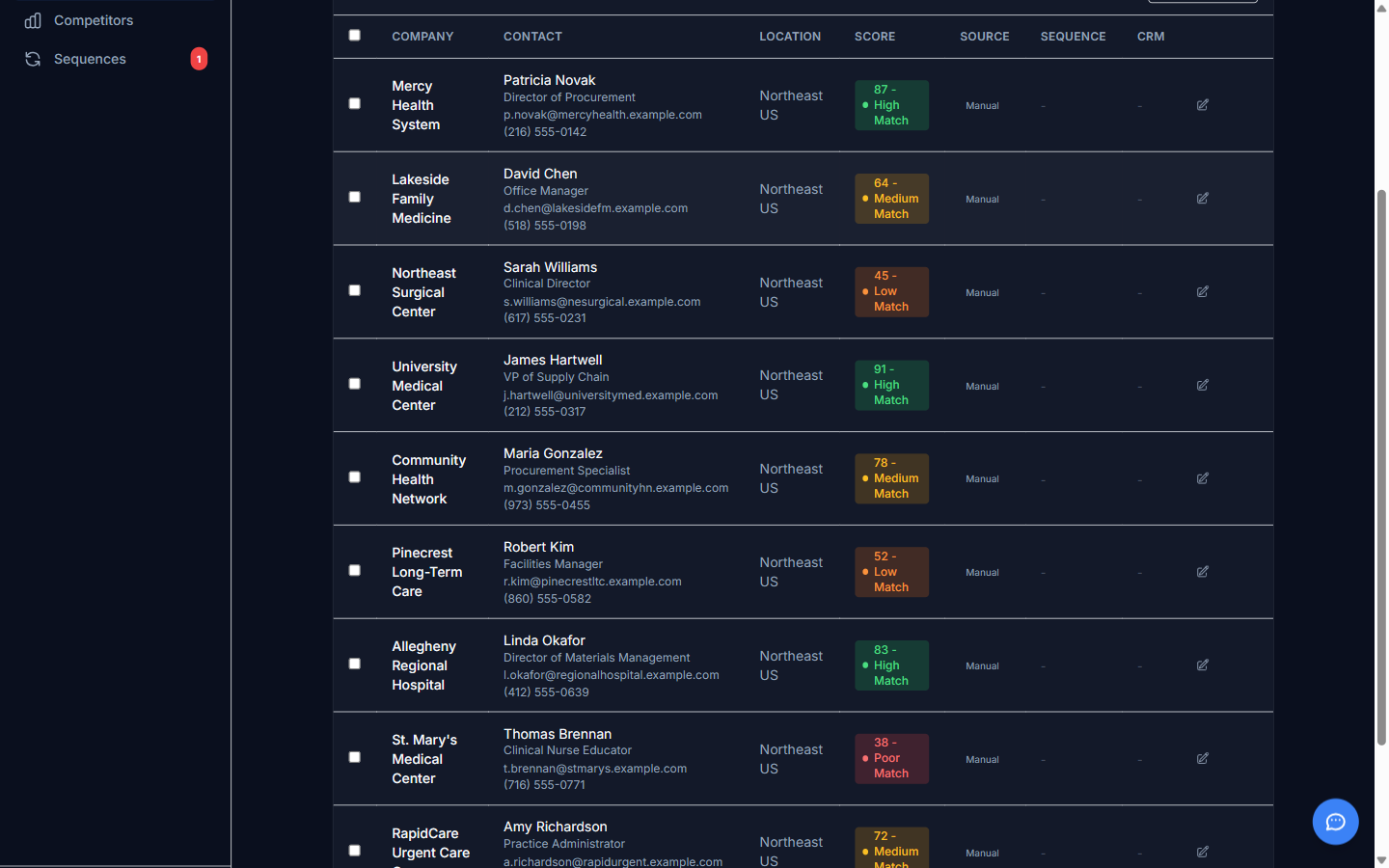
Automatoir returns a score from 0 to 100 and a short explanation of the reasoning. The explanation highlights which ICP criteria the prospect matches and which ones they miss.
Score Ranges
Scores are grouped into three tiers to help you prioritize:
- High (70–100) — Strong ICP match. These prospects align well with your target profile and are good candidates for sequence enrollment.
- Medium (40–69) — Partial match. The prospect fits some ICP criteria but may need additional research or a different outreach angle.
- Low (0–39) — Weak match. The prospect does not align with your ICP. Consider deprioritizing or removing them from your list.
Bulk Qualification
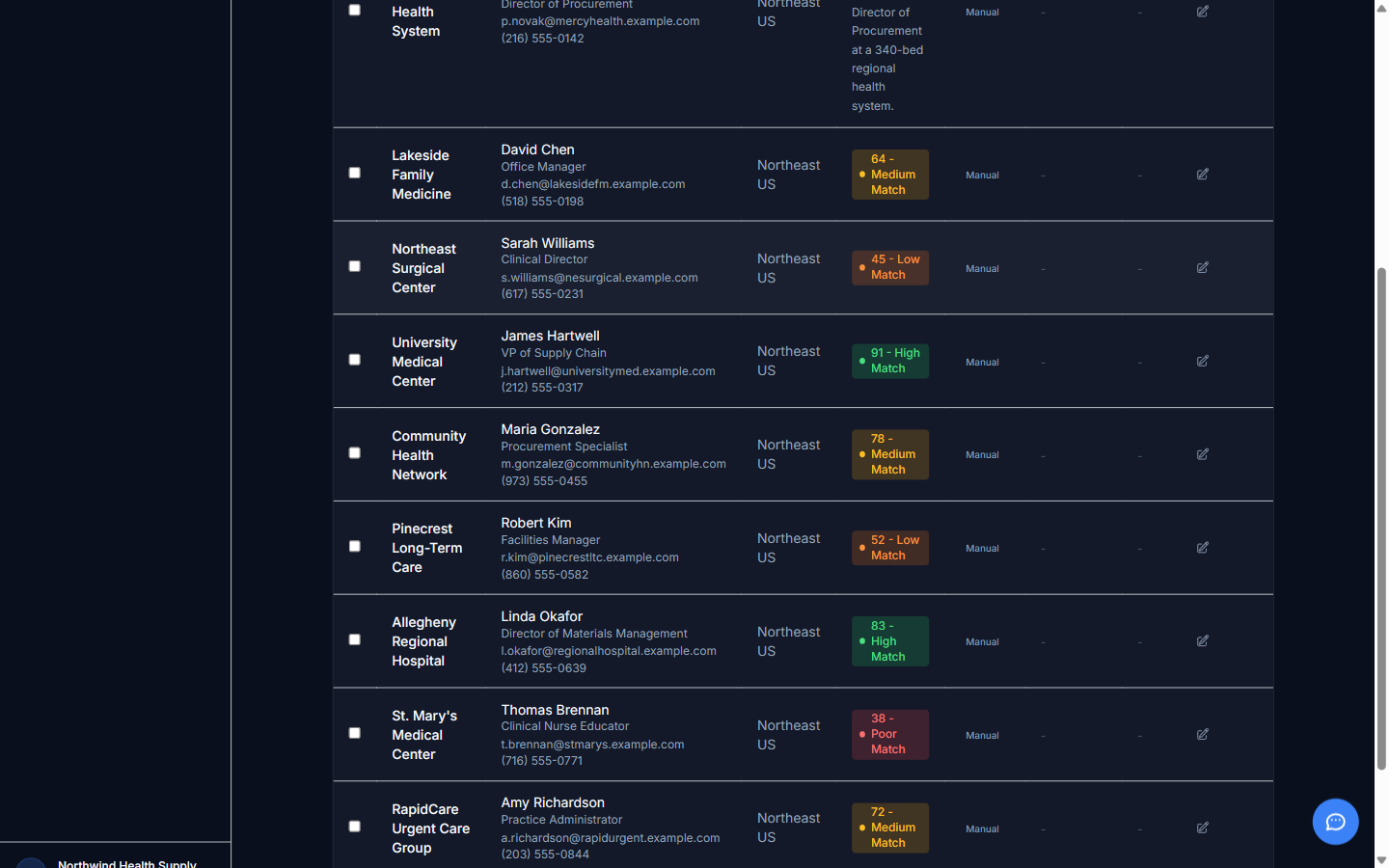
Instead of qualifying prospects one at a time, you can select multiple rows and click Qualify Selected. Automatoir processes each prospect sequentially and updates scores as they complete. You can continue using the app while bulk qualification runs in the background.
A Note on Score Variance
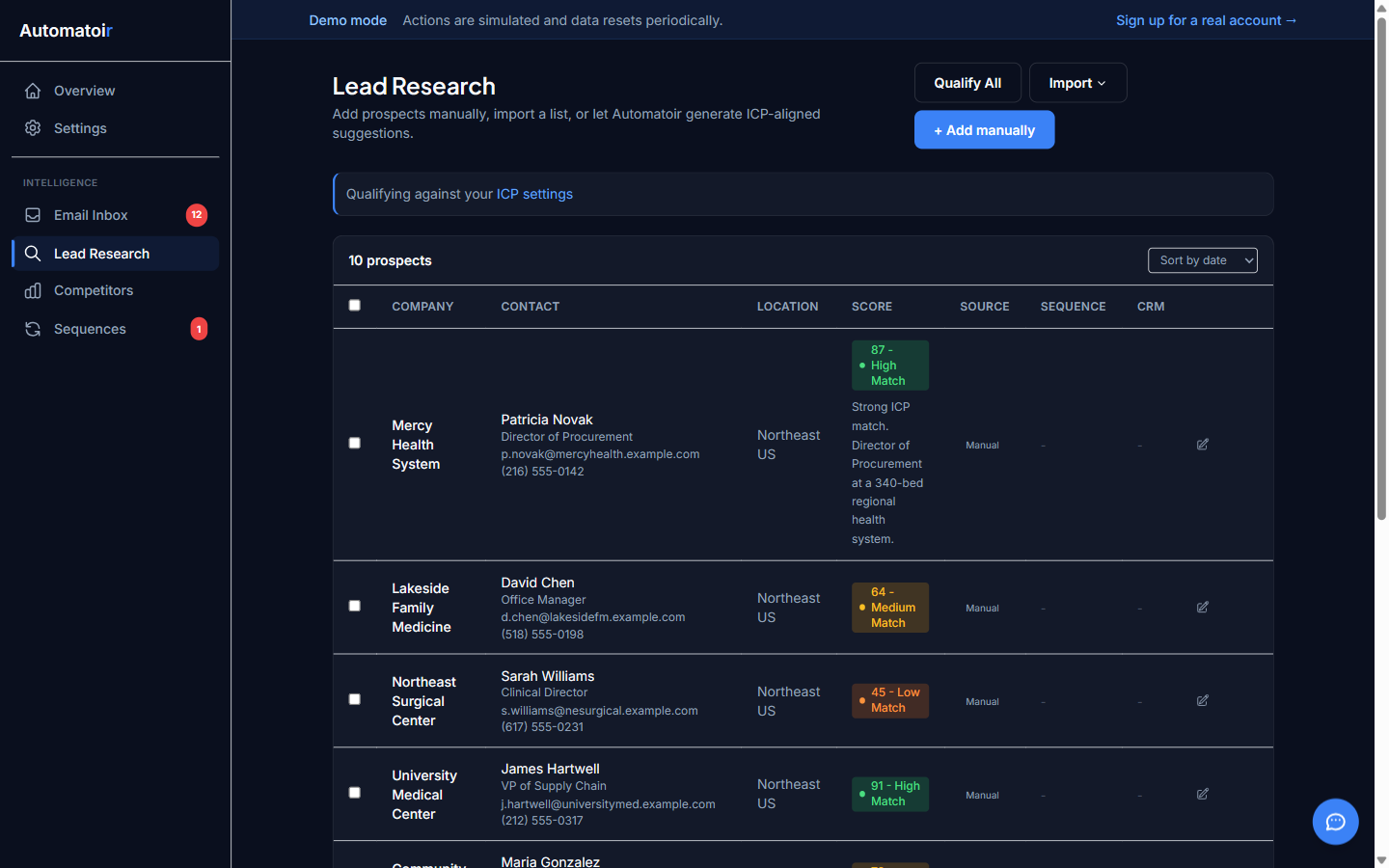
Because the underlying model is generative AI, scores may vary by a few points between runs even when the prospect data hasn't changed. This is normal. The tier (High, Medium, Low) is more stable than the exact number. If you need a fresh assessment, simply re-qualify the prospect — the latest score always replaces the previous one.
Related Guides
- Adding Prospects — Make sure prospects have complete details before qualifying.
- Enroll in Sequence — Move top-fit prospects into automated outreach.
- Define Your ICP — Fine-tune the criteria Automatoir uses for qualification.